***Box Design Software***


3D Box Shot Works Great on Windows 7!

3D Box Shot: The 3D Box Shot Maker. Put your product in a virtual box!

All of the Videos on this Site were made using 3D Box Shot V3 and Windows Movie maker. They are intended to showcase how you could use 3D Box Shot V3 to help market your own products.

This Video was made using 3D Box Shot V3 and Windows Movie Maker. Please note, we've now reduced the price to just $9.95 USD:

 Click here for a Video Presentation with Audio

30 Day Money Back Gaurentee3D Box Shot is a virtual packaging design tool. It transforms your artwork into a 3D box in real time using the full power of your PC’s graphics hardware, allowing you to rapidly prototype your box designs. You can easily rotate, pan and zoom your box in real-time, which helps visualize the finished design and make better boxes. 3D Box Shot can then export high quality bitmap images and videos of your box which can be edited for inclusion on your web site or in promotional literature.


You don't need to be a video editing whizzkid to get the best out of 3D Box Shot. The sample video above was made with nothing more sophisticated than 3D Box Shot and Windows Movie Maker 2!

Boost your sales with the high quality box shots and videos your products deserve. 3D Box Shot works great on Windows 7, Windows XP, 2000, NT, ME, 98. Simply load your artwork into the program and you'll have the perfect box shot in a few seconds.

Buy 3D Box Shot


Try 3D Box Shot
Fast Download, Digitally Signed for added security.


3D Box Shot can Now make Videos!

Here's a short teaser of what you can do with the latest version of 3D Box Shot. It gives a quick over view of what the program can do and demonstrates the keyframe system all in under two minutes. This clip features music.


Unlike the hundred and one other "me too!" box shot programs on the market, 3D Box Shot can export video clips! 3D Box Shot features a keyframe animation system that makes it very simple to create animated sequences like this:

       Please, note the clips above are highly compressed for online streaming and are not representative of the video quality of the video output from 3D Box Shot. Since online video is becoming common place you need 3D Box Shot to help you to present your products in the best possible light.

Extra Features you get free in 3D Box Shot Version 3!

3D Box Shot Version 3 also features a background image function. So what? I hear you say... We'll the big deal with the background image function is that it can be animated! This opens up a world of possibilities and with a little imagination, there's no end to what you can create. Here a quick example that took a couple of minutes to produce. It's was designed to be a stylish introduction to a home holiday video:

This was made by using a world map as the background image then using the "Webdings" font to create the plane. The background image was then panned and zoomed while the plane remains stationary.

There are simpler uses for the background effect. Simply placing your box shot on the following background effectively communicates that your product runs on Windows XP:

You could achieve the same effect with any background image that has a strong visual association with a particular subject matter. Using 3D Box Shot V3 You can also put your box shot on top of a screen shot:

This can then be used as a more effective method of promoting your products on download sites. Please see the following article on this site for more details:

How to make Download Sites work for you


3D Box Shot V3 also includes a really neat 3D Text engine. This can be used to create stunning, striking captons or title sequences for promotional product videos. Or it can be used to create subtle, understated 2D text just like in the images on this page. Please take a look at the following video that provides a showcase of just some of the many 3D text features of 3D Box Shot Version 3:

Find out more in 3D Box Shot V3 Manual

Click on the manual below to read the online documentation for 3D Box Shot V3. Please note one of our customers was kind enough to provide a french translation for the manual.

Why do I need 3D Box Shot?

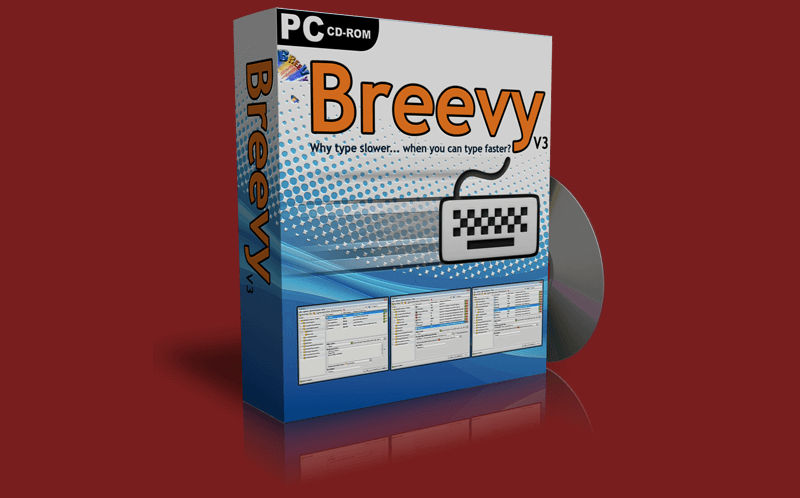
With 3D Box Shot, you can turn your box image into a genuine sales tool. Unlike other box maker packages, 3D Box Shot creates true 3D output and can make big images as well as tiny thumbnails. As a result, you can make your box shot clickable and link to a full sized image. A well designed box can hammer home your sales message and help to secure the sale. Putting it simply, a quality box shot can improve your conversion rate. Because 3D Box Shot produces 3D box images dynamically in real time, we firmly believe it's the best way to make box shots.

3D Box Shot Example Image


Buy 3D Box Shot


Try 3D Box Shot
Fast Download, Digitally Signed for added security.


Can 3D Box Shot make different types of software boxes?

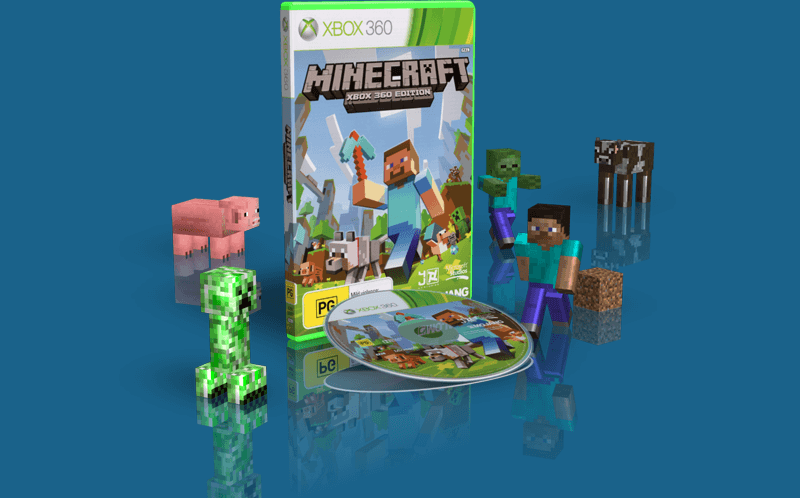
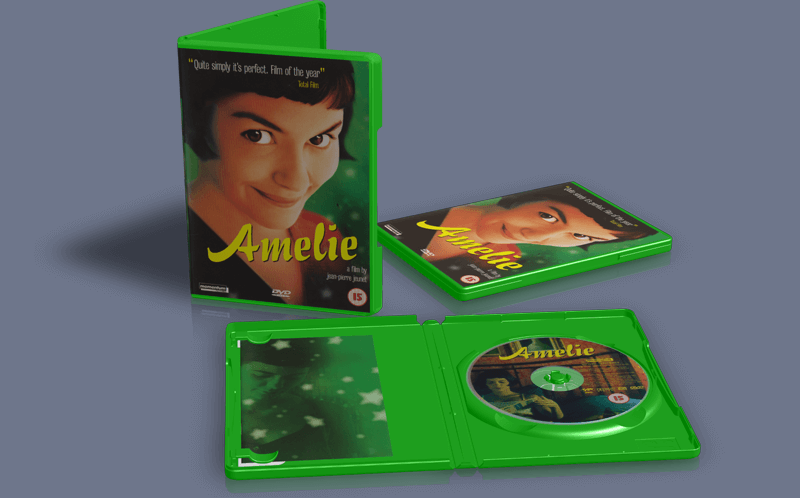
3D Box Shot comes complete with a series of box templates in a range of shapes and sizes. These include standard retail boxes, over slip boxes, Standard CD’s, slim CD’s, standard DVD cases and Slim DVD cases. If there’s a different size box that you’d like us to include in the program please email us with the details.

And 3D Screen Shots...

With 3D Box Shot you can also make 3D screen shots. Adding a small amount of perspective to a screen shot image can really make it stand out from the page. Here's an example screen shot of the windows calculator made with 3D Box Shot:

Example image with perspective

Three Products in One!

When we originally launched 3D Box Shot, we made the decision to produce a separate product for the eBook market called 3D eBook Shot. While both of these programs were based on the same engine, as development continued, they began to drift apart. This resulted in both products becoming harder to maintain.

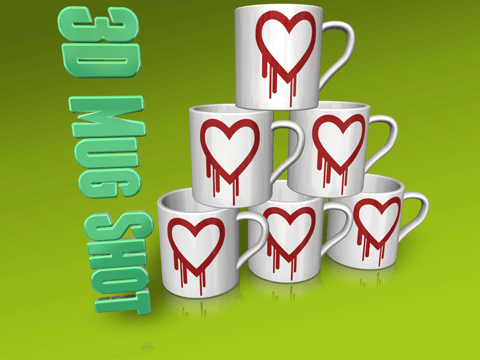
When we decided to produce a third product for making 3D Mug images, imaginatively called 3D Mug Shot, it occurred to us that it would make much more sense to bring all three products under one roof. As a result, when you purchase either 3D Box Shot or 3D eBook Shot, you’ll actually be buying 3D Pack Shot. 3D Pack Shot includes 3D Box Shot as well as 3D eBook Shot and 3D Mug Shot at no extra cost. It really is three programs for the price of one!

Why doesn't 3D Box Shot have built in design tools so I can design my own box shot images?

3D Box Shot was originally developed as tool for packaging designers to help them create 3D Images and videos of their art work. It doesn't have any pretensions to be Adobe Photoshop. Unless you have already designed your packaging, or have a product you can scan, then 3D Box Shot won’t help you.

But this isn’t a bad thing. The sort of woefully inadequate, half baked design elements included in some box shot products just result in bland looking boxes that look painfully amateur. Competent designers would run mile from such things. Presenting an amateur looking box shot to your customers is far worse than having no box shot at all.

At best, such products perpetuate the idea that good design is somehow irrelevant to online sales, at worst they result in horrible looking product images that would make anyone with a modicum of taste run screaming to the hills. Leave design to the designers. Good design isn’t expensive, so don’t cut corners where the whole world can see it.

If you are considering designing your own packaging, at the very least, you need a layer based image editing tool like Paint Shop Pro, Photoshop or the Gimp. Rinky dink box shot design packages don't have anything remotely approaching the feature set of professional design tools like Photoshop, nor is it realistic to expect them to. All they can offer is a shaby compromise. Ask yourself, is this what you want for your products?

3D Box Shot: Try before you Buy.

We sell 3D Box Shot using the try before you buy marketing model. This means that you can download the demo version of the program free of charge and try it out. If it meets your needs (and we’re confident it will) all you need to do is buy it and you’ll immediately receive a secure download link to the full version. The full version has no watermarks or time restrictions and includes a range of preset animation sequences that you can use with your own box designs. As a registered 3D Box Shot user, you’re entitled to free updates for 1 year from the day you buy. Please note, 3D Box Shot doesn't use any hardware locking or DRM. You can even run it from a memory stick if you want!

3D Box Shot is Now Available on CD!

CD

In conjunction with Esellerate (our ecommerce provider) we are now happy to offer 3D Box Shot on CD. Just include the "eCD" option when you purchase 3D Box Shot and you willl receive a CD containing the program via priority mail.


Buy 3D Box Shot


Try 3D Box Shot
Fast Download, Digitally Signed for added security.